
First, make sure you have a recent unencrypted iTunes backup, as explained here.
Then you can use any iTunes extractor to obtain the required ChatStorage.sqlite, such as the free options listed below:
- WazzapMigrator Extractor - free one-click extractor for both messages and media
- iPhone Backup Extractor - free for up to 4 files extracted (sufficient to extract ChatStorage.sqlite)
- iBackup Viewer - free
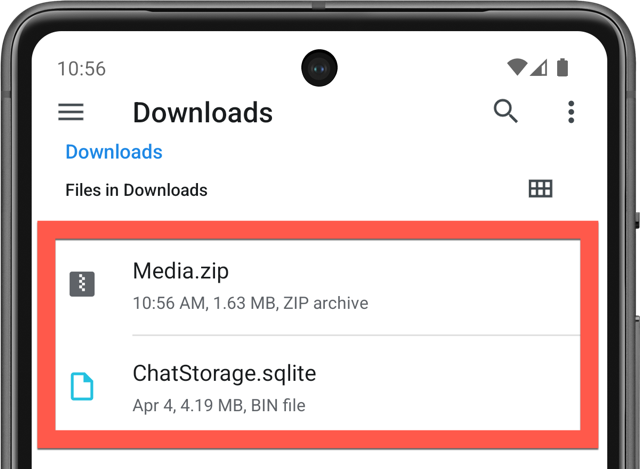
Now you simply need to transfer ChatStorage.sqlite to your Android device in the Download folder.
If you experience any issues, please use another extractor or contact me
Was this article helpful?
That’s Great!
Thank you for your feedback
Sorry! We couldn't be helpful
Thank you for your feedback
Feedback sent
We appreciate your effort and will try to fix the article