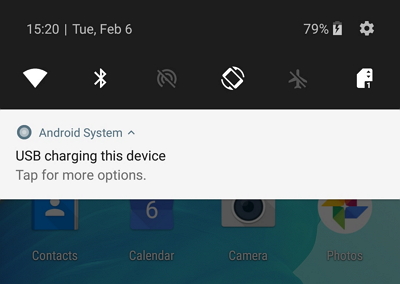
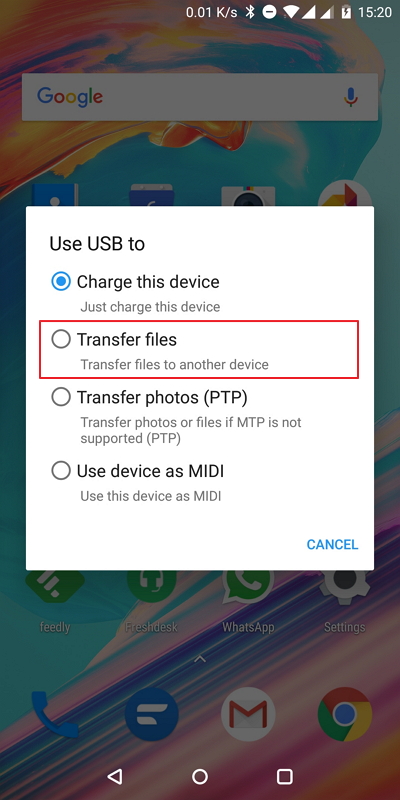
When you connect your Android device to a PC to copy over the ChatStorage.sqlite or Media.zip files, it's possible that you can't see the Download folder. This is due to a known Android bug that prevents recently created files from being shown when connected to PC.
You can easily solve this: just reboot your phone to see the Download folder on your PC.
Was this article helpful?
That’s Great!
Thank you for your feedback
Sorry! We couldn't be helpful
Thank you for your feedback
Feedback sent
We appreciate your effort and will try to fix the article